AI Builder via MCP
Connect Claude (or any MCP client) and ask it to build buttons for you. Every proposal lands in an inbox — you approve, SynaptoDeck applies. AI never writes to your deck directly.
Shipped in v0.43.0
SynaptoDeck is a button grid for your Mac and Windows desktop. Live widgets, a Mobile Remote you pair by QR, and an AI Builder that proposes buttons — you approve before they apply.
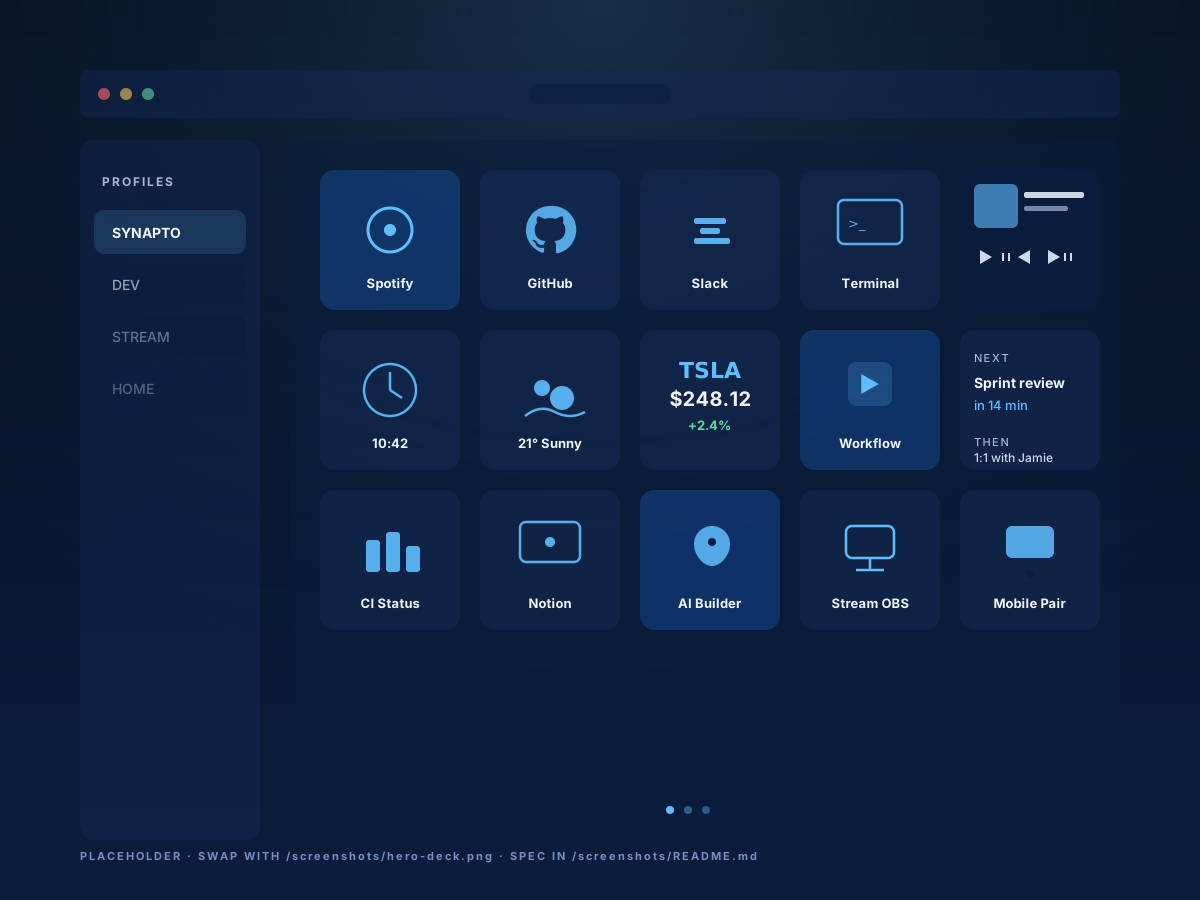
A populated SynaptoDeck profile — buttons, widgets, mobile remote pairing.
A grid of buttons sounds simple. The interesting part is what each button can do, who can build them, and where you can fire them from.
Connect Claude (or any MCP client) and ask it to build buttons for you. Every proposal lands in an inbox — you approve, SynaptoDeck applies. AI never writes to your deck directly.
Shipped in v0.43.0
Turn your phone into a SynaptoDeck remote in 10 seconds. No App Store install, no cloud account. Pair by QR, control your desktop from anywhere on your network.
Shipped in v0.30.0
Chain multiple actions behind one button. "Start my workday" = open Slack + Notion + a playlist + a terminal, all from one tap.
Shipped in v0.25.0
See what's playing without opening Spotify.
Shipped in v0.86.2
Same SynaptoDeck on your Windows desktop and your MacBook. Your config sync is in your hands.
Shipped in v0.1.0
No account. No server. Your deck lives on your machine — works offline, gone if you uninstall.
Shipped in v0.1.0
Connect Claude Desktop, Claude Code, Cursor, or Cline over MCP. Ask for the deck you want — a streaming setup, a developer dashboard, a kid-safe media remote — and AI drops a proposal into your inbox.
You see the buttons before they exist. You approve, edit, or reject. Then SynaptoDeck applies them. AI never writes to your deck directly. Every change is auditable.
AI proposes
A model calls propose_button with the button spec.
SynaptoDeck validates
Schema check, action whitelist, risk classification. Bad proposals never reach you.
You approve
The proposal lands in the inbox with a preview. Approve, edit, or reject.
SynaptoDeck applies
The new button materialises on your deck. Every action is recorded in the audit log.
Open the URL the desktop shows you. Scan the QR. Pinch-zoom and tap. That's the pairing flow — there's no App Store install and no cloud account.
The Mobile Remote runs as a PWA over your LAN. Fire any button. Switch profiles. It works offline from your phone's home screen once you've installed it.
Pair by QR
No account. No cloud. Just your LAN.
No app store install
Add to home screen. Works offline.
Profile switching
Flip the desktop deck from across the room.
Group sub-actions into a single tap. Open the apps you need, hit a URL, fire a shortcut, paste a snippet — in order, with optional delays.
One button — coffee mug on the deck — fires four actions in 1.2 seconds.
From the dev profile. Tag the release, push, then alert the team.
Free for personal use. Windows and macOS. No account. No telemetry without consent.